Accept a Payment for an Outstanding Balance
To create a client, complete the following steps
-
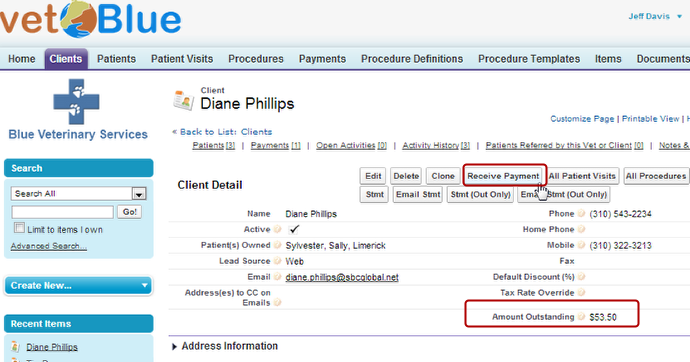
Navigate to a Client with an Outstanding Balance and click on Receive Payment
In this scenario, Diane Phillips has an outstanding balance of $53.50 from a previous visit.
-
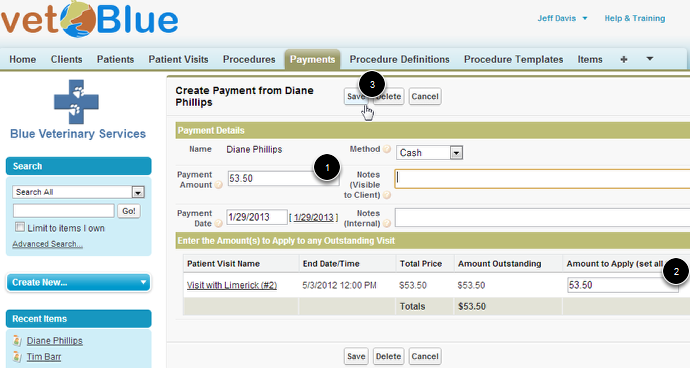
Enter the Payment information and click Save
Note: The Amount to Apply column should auto-update with the Payment Amount, but you can adjust these figures if you need to.
-
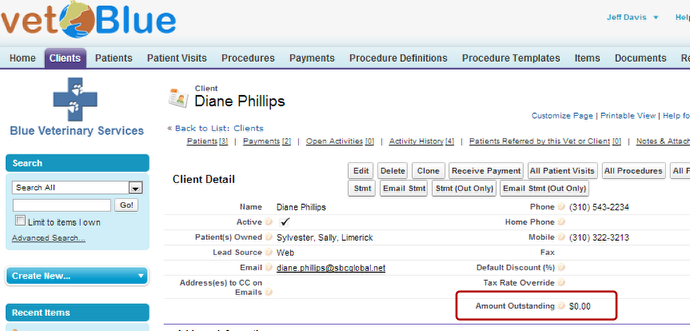
The Client detail page will appear
The Amount Outstanding may not update immediately, but a simple refresh will display the correct amount.