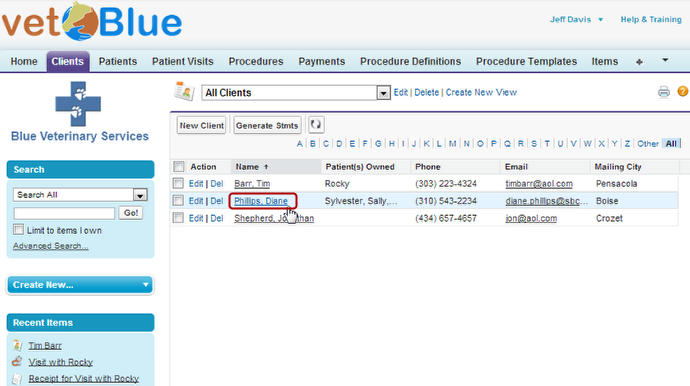
View a List of All Clients
To view a list of all clients in your system, complete the following steps
-
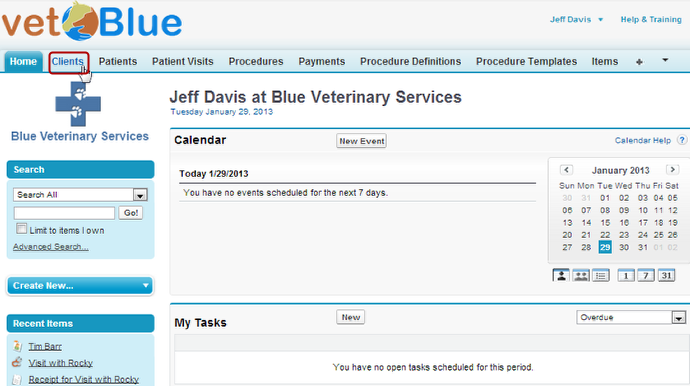
Click the Clients tab
-
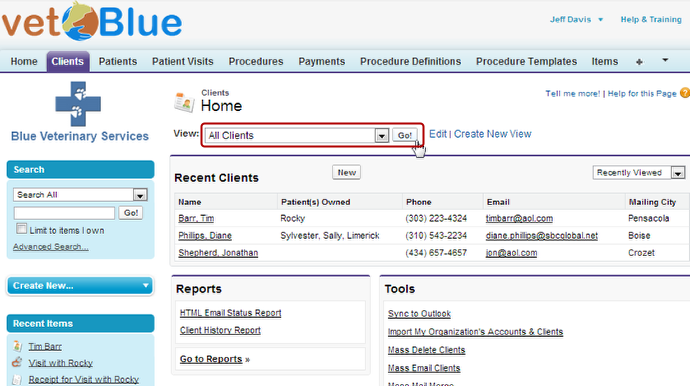
Select the All Clients view and then click Go!
-
The Client list appears and you can select a client by clicking on the name