Email a Referral Report from a Patient Visit
A referral report is a document created from a Patient Visit that doesn’t display pricing information. To email a report from a patient visit, complete the following steps
-
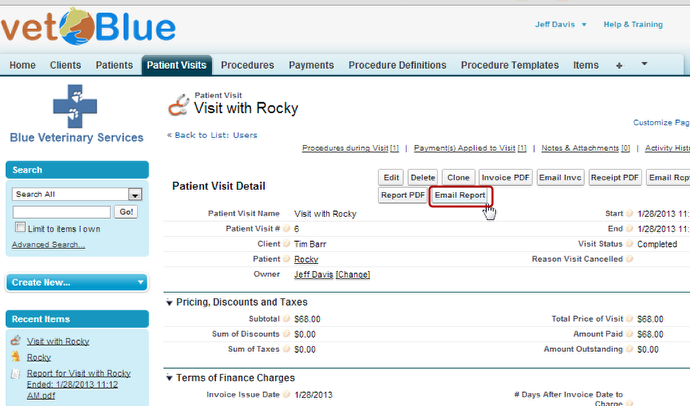
Navigate to the Patient Visit detail page and click Email Report
-
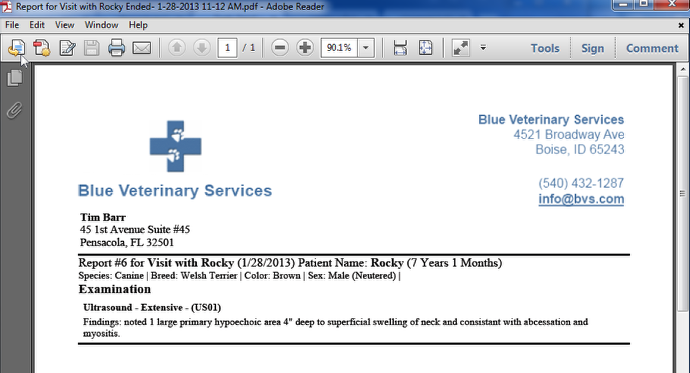
The Email will contain a PDF attachement of the Report
-
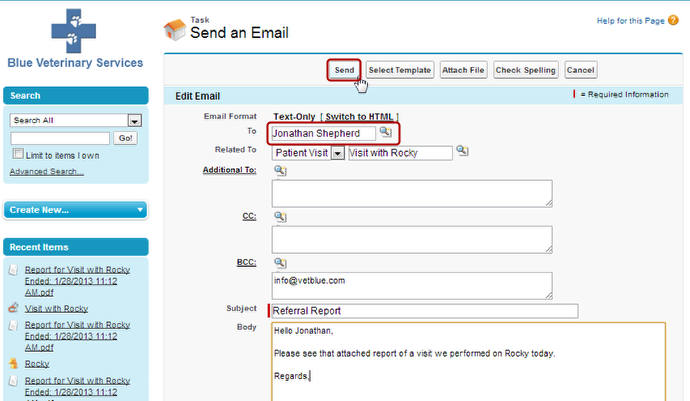
Enter the Subject and Body and click Send
Note that the default “To” field is the Client specified in the Referring Vet / Client field of the Patient that this Visit was performed on.